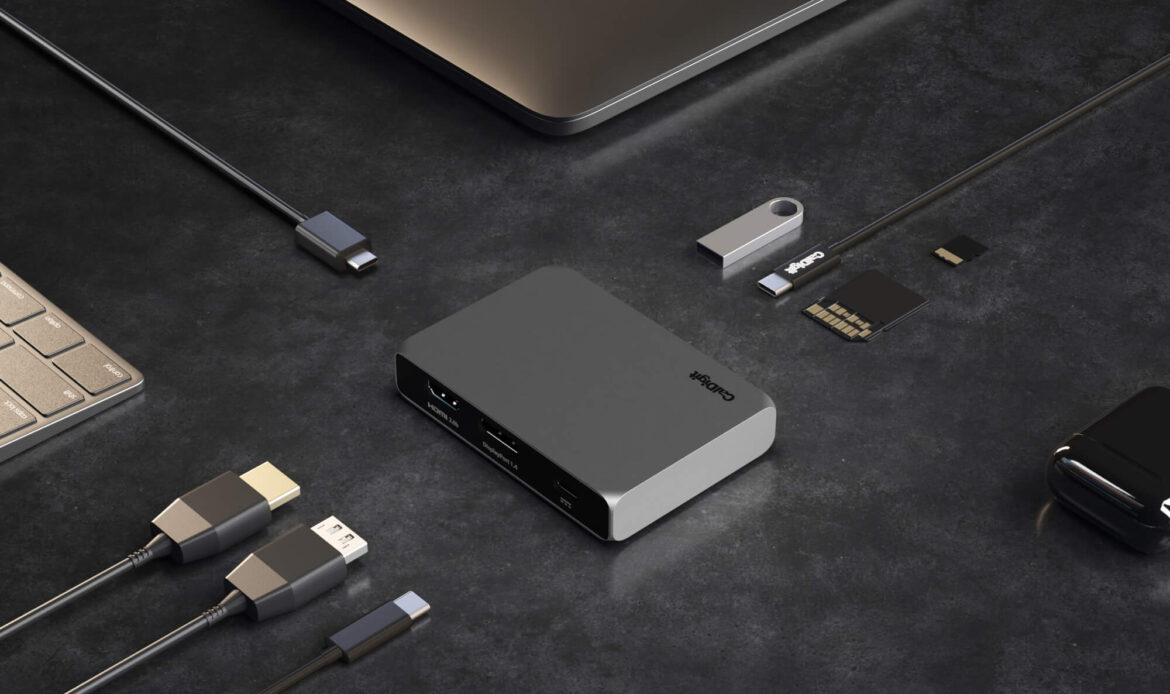
Met 10Gb/s prestaties kan de SOHO Dock meer dan de gemiddelde 5Gb/s USB-C hub. Kom meer te weten >
SOHO Dock 10Gb/s Performance
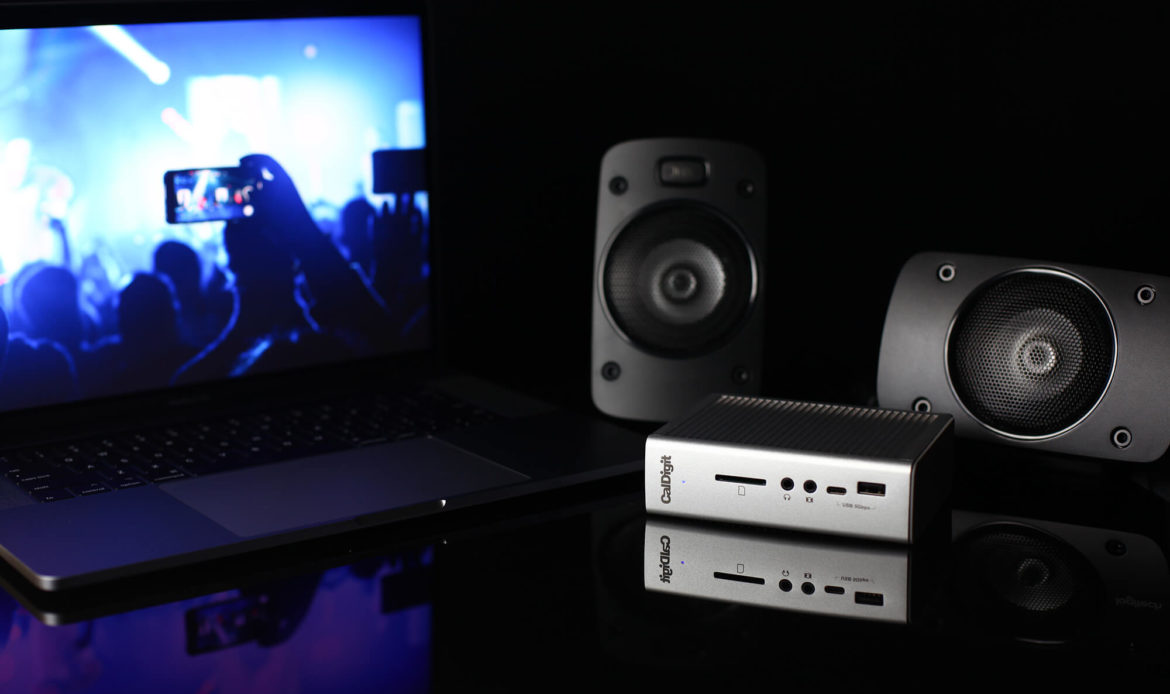
Naast 15 aansluitpoorten ondersteunt de TS3 Plus een enkel 5K-scherm of twee 4K 60Hz-schermen. Kom meer te weten >
TS3 Plus 15 Ports of Connectivity

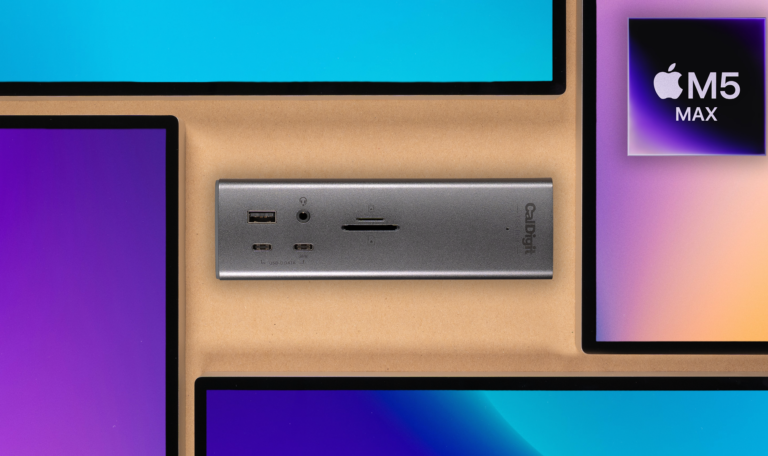
CalDigit’s docks are fully compatible with the new M5 Pro and M5 Max computers. Through a CalDigit Thunderbolt 5 dock, such as the TS5,
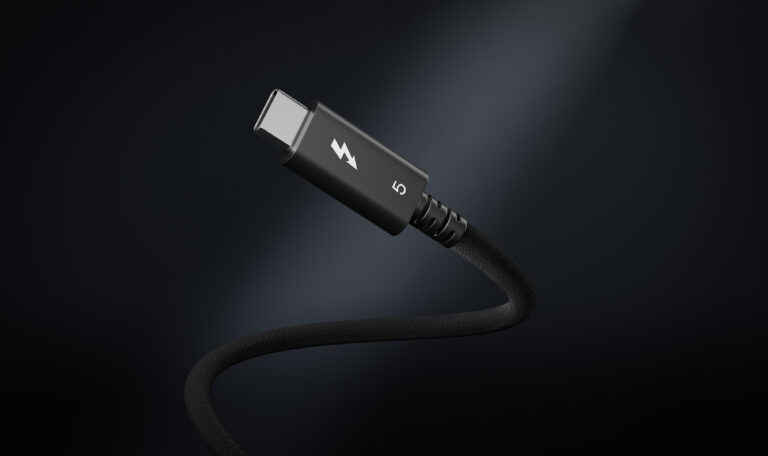
We are delighted to unveil the brand new CalDigit Thunderbolt 5 Pro Cables. These premium braided cables are the ultimate bridge between your powerful Thunderbolt
We will be announcing all the winners of CalDigit’s 2025 Website Giveaways on this page. Please check below for the winner’s names. Giveaway 1: 23rd

This article will help you uninstall the CalDigit Docking Station Utility from your Mac. Please follow the steps below: Step 1. Open the Finder application
This article will guide you to add the CalDigit Docking Station Utility as a login item. Please follow the steps below: Step 1. Open the
What is the CalDigit Docking Station Utility? The CalDigit Docking Station Utility is a piece of software available for macOS computers that makes it quick
Uitgelicht op
Stay in touch!
Join our mailing list to stay up to date!
This website uses cookies to improve your user experience. By continuing to browse this website, you are agreeing to our use of cookies. We encourage you to review our Privacy Policy.