
Support Center
Support // USB-C HDMI Dock Support
USB-C HDMI Dock
Troubleshoot various topics related to your product.
Your most common and frequently asked questions are collected here.


Troubleshoot
- Popular Topics
If you are seeing this behavior on your computer, please immediately download and install this firmware update that will treat this behavior. This firmware installer is accessible on both macOS and Windows computers on either Thunderbolt 3 or USB connection.
For more information please see the following article.
Product Overview
- Technical Specifications
- Download Drivers
- User Manual
- Serial Number
Dimension and Weight
Height : 0.98 inches (25.0 mm)
Width : 8.43 inches (214.0 mm)
Depth : 3.15 inches (80.0 mm)
Weight: 0.93 lbs (0.42 kgs)
Interface
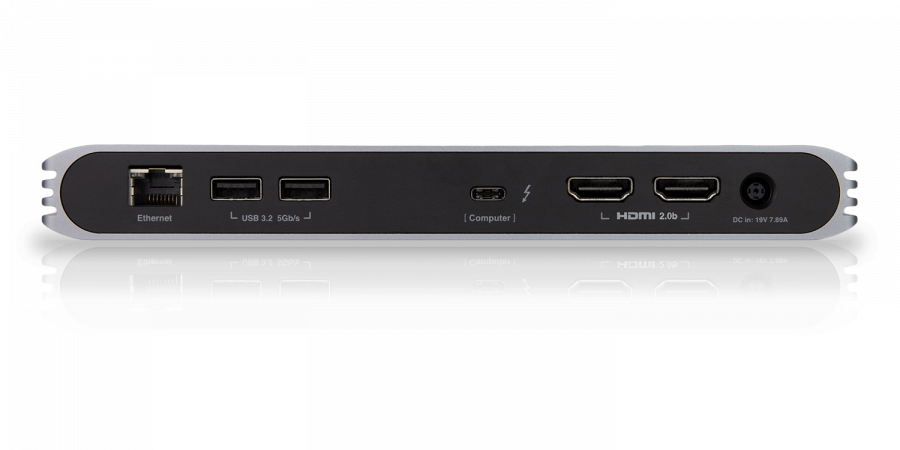
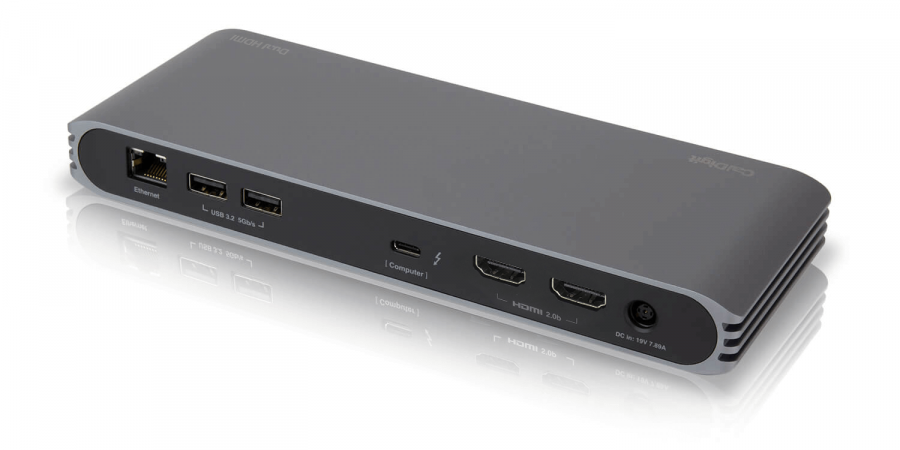
1 x USB-C (and Thunderbolt 3) to the host
2 x HDMI 2.0b
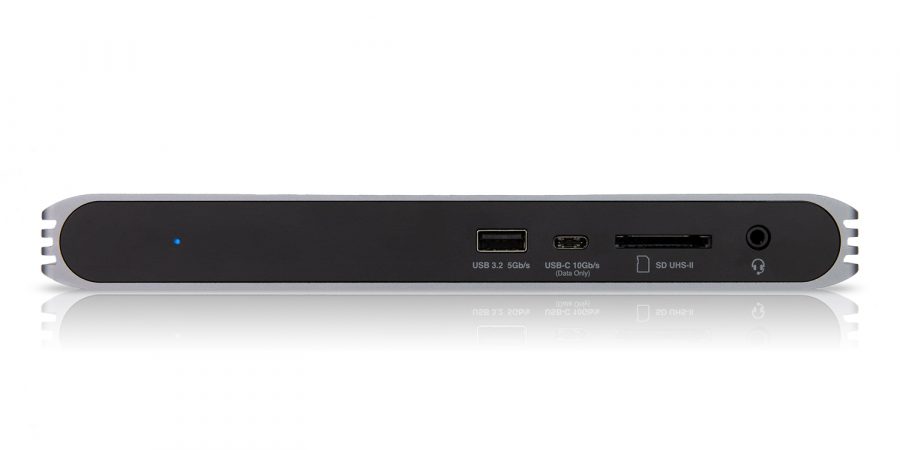
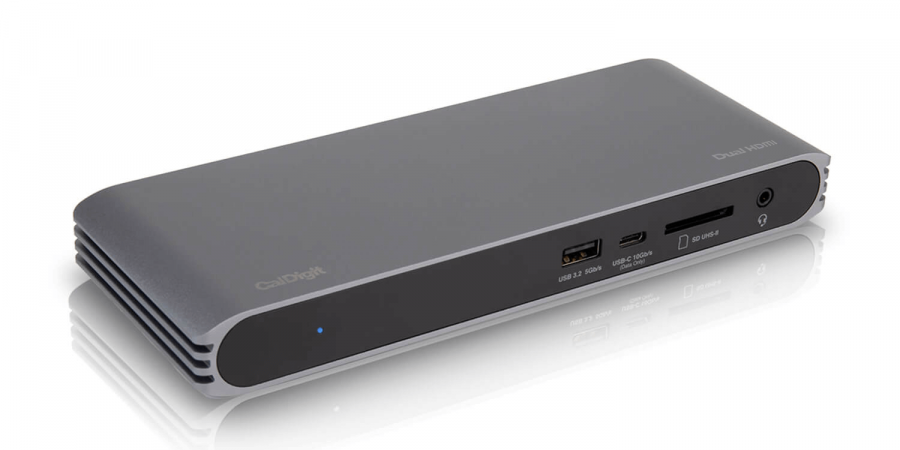
3 x USB 3.2 Gen. 1 Type-A (5Gbps)
1 x USB 3.2 Gen. 2 Type-C (10Gbps)
1 x SD Card Reader (SD 4.0 UHS-II)
1 x Gigabit Ethernet
1 x 3.5mm Analog Audio In & Out
Power
AC Input : 100V-240V ~50Hz/60Hz
DC Output: 19V/7.89A, 150W
System Requirements
USB-C computer
Thunderbolt 3 computer
macOS 10.14.5 or later
Windows 10 or later
Laptop Power Delivery
Up to 94W
Environment
Ambient Temperature: 32°F ~ 140°F (0°C ~ 60°C)
In the box
1 x USB-C HDMI Dock
1 x Power Adapter – View detailed spec.
1 x Power Cord
1 x Thunderbolt 3 Cable (0.7m)
Warranty
2 Year Limited Warranty
Coming Soon
Coming Soon
The serial number for this product is located on the bottom.

Latest Articles
Uninstalling the CalDigit Docking Station Utility
This article will help you uninstall the CalDigit Docking Station Utility from your Mac. Please follow the steps below: Step
Launching the CalDigit Docking Station Utility at Start-up
This article will guide you to add the CalDigit Docking Station Utility as a login item. Please follow the steps
The CalDigit Docking Station Utility
What is the CalDigit Docking Station Utility? The CalDigit Docking Station Utility is a piece of software available for macOS
SuperDrive and USB Charging Driver Installation Guide
Starting with Apple Silicon, the installation process for our SuperDrive Driver has become a little more complex. Ahead are steps
MacBook Multiple Monitor Support with CalDigit Thunderbolt Docks
Last Modified: March 3, 2026 While CalDigit Thunderbolt Docks are capable of supporting multiple monitors over a single Thunderbolt connection,
macOS Ventura/Sonoma and USB/Thunderbolt Device Security
We encourage all CalDigit users to upgrade their Macs to macOS 13 Ventura for the best possible experience. This new
CalDigit Support is ready to assist you.
For an optimal experience please have your product name, serial number, and operating system on hand prior to contacting support.
Have a quick question?
Stop by and give us a tweet @CalDigitSupport