

CalDigit Thunderbolt 5 Docks and the new Apple M5 Pro + M5 Max Compatibility
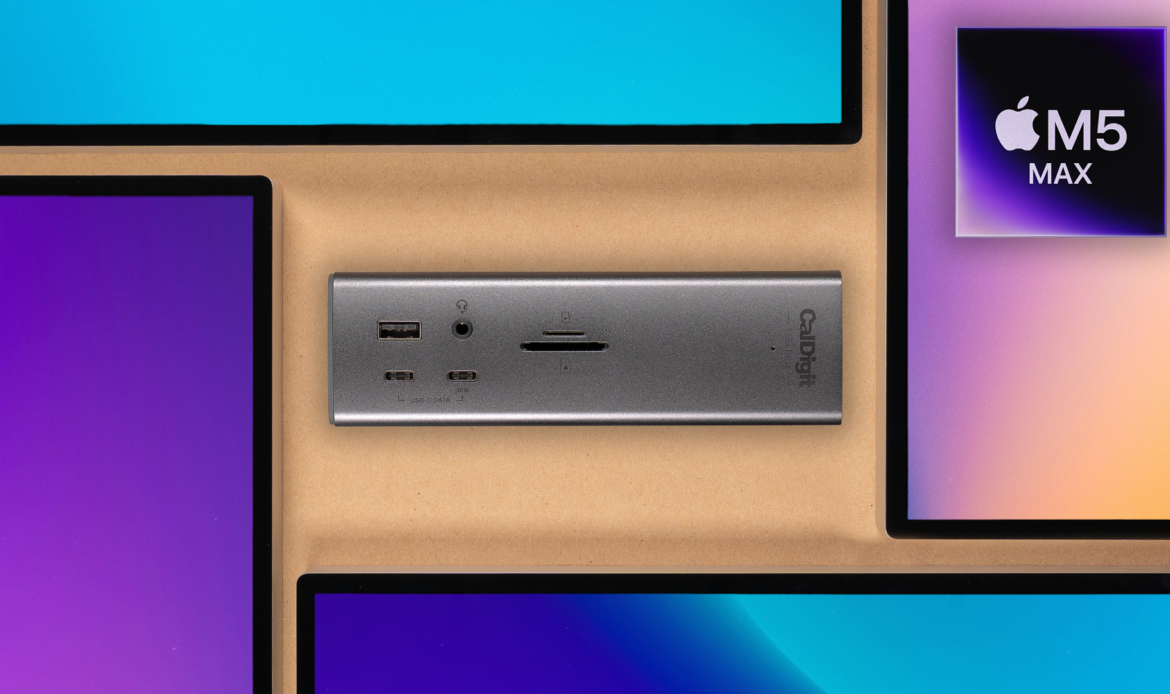
CalDigit’s docks are fully compatible with the new M5 Pro and M5 Max computers. Through a CalDigit Thunderbolt 5 dock, such as the TS5, TS5 Plus and Element 5 hub, M5 Max computers can support up to 4 external displays from a single dock connection, and M5 Pro can support up to 3 external […]
Tracking the Thunderbolt Firmware Update Process on macOS
Tracking the progress of the Thunderbolt update is not required, however, it may help ensure that the update is loading correctly. When following these steps, we also suggest utilizing the accompanying knowledge base article on updating Firmware on CalDigit docks, as it will be referenced throughout this article. To begin, disconnect the Thunderbolt dock from […]
SuperDrive and USB Charging Driver Installation Guide
Starting with Apple Silicon, the installation process for our SuperDrive Driver has become a little more complex. Ahead are steps to help successfully install this driver. Step 1 – Allow the SuperDrive Driver to be Installed First, fully power off your Apple computer.Once powered off, press and hold the power button on your computer until […]
Why CalDigit uses DisplayPort
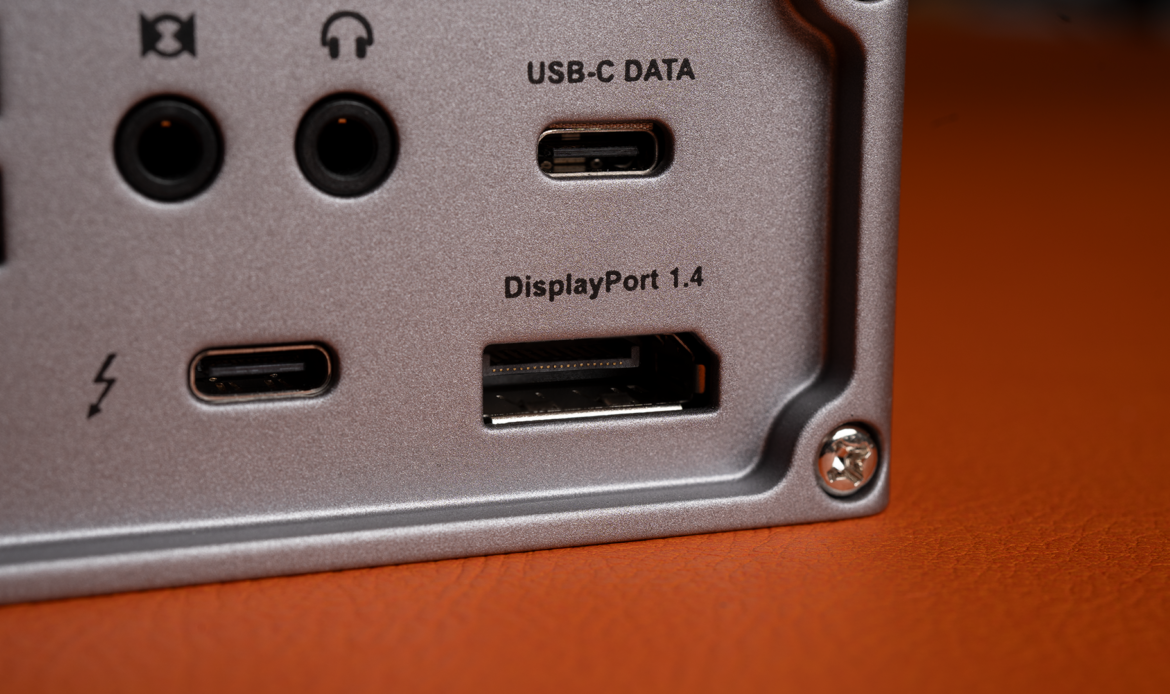
Why does CalDigit pick DisplayPort over HDMI? At CalDigit, we design our docking stations with professionals in mind, ensuring they get the best performance and reliability. The main reason is because DisplayPort is native to the Thunderbolt spec, but many don’t know what that means. Here is a quick breakdown of why DisplayPort is better. […]
The Thunderbolt 5 Landscape

The upgrade from Thunderbolt 3 to Thunderbolt 4 was a marginal one, especially when you consider there wasn’t a boost in bandwidth. More power to the host was nice. It’s always good to see better resolution. And, additional security is always welcome. However, it isn’t as monumental as the jump to Thunderbolt 5. The specs […]
The Element 5 Power Supply

Today we want to turn the spotlight to one of the quieter parts of our recent Element 5 release: the power supply. Our engineering team has taken great strides to decrease the overall size of the Element 5’s power supply while having it supply more power than our previous generation Thunderbolt 4 Element Hub’s power […]
CalDigit Docking Station Utility Update

The CalDigit Docking Station Utility has been updated to add support for our new Thunderbolt 5 Element 5 Hub. With this update, all of our currently available docks, other than the Thunderbolt 3 Mini Dock, are now compatible with the Docking Station Utility. We are pleased to announce that this update also adds support for […]
An Update on the Element 5’s Availability
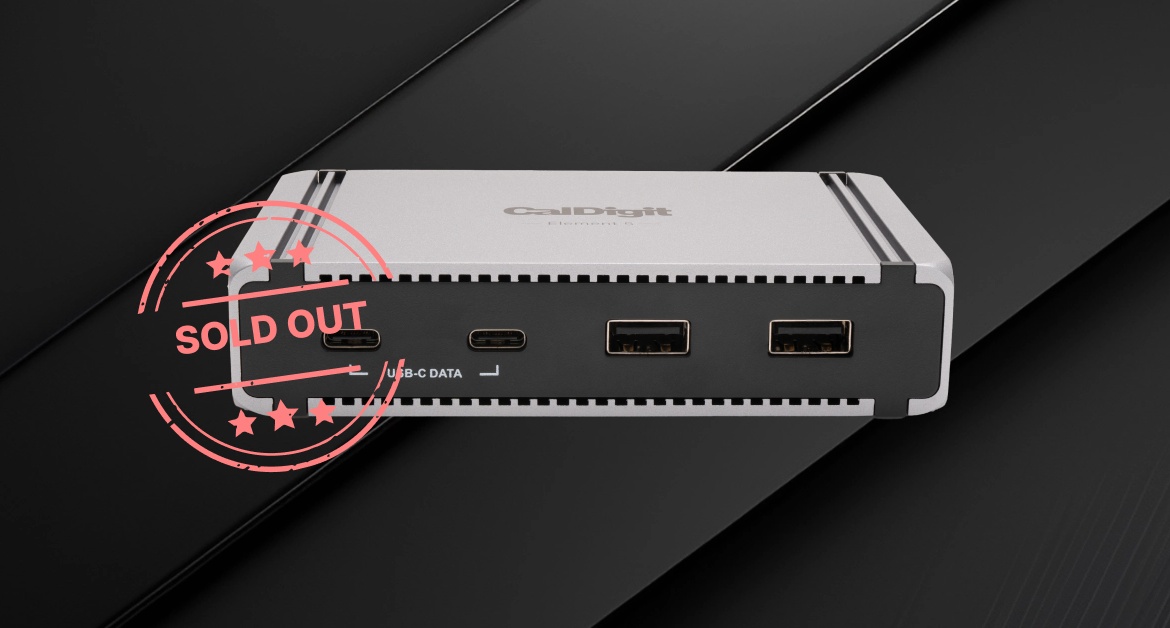
From everyone at CalDigit, thank you so much for your support with the Element 5’s launch! We are now entirely sold out of our initial stock of hubs. All current orders are now boxed up and waiting to be shipped out if they haven’t already left our offices. Over the coming weeks, the Element 5 […]
TS4 Ethernet Drivers on ARM for Windows are Now Available

CalDigit is pleased to announce that the TS4’s Ethernet port is now compatible with ARM-based Windows computers through recently published Ethernet drivers. These drivers were developed with assistance from Intel®, and are currently available for download from the CalDigit downloads website, linked here. The Ethernet drivers allow the TS4’s Ethernet port to properly interface with […]
MacBook Multiple Monitor Support with CalDigit Thunderbolt Docks
Last Modified: March 3, 2026 While CalDigit Thunderbolt Docks are capable of supporting multiple monitors over a single Thunderbolt connection, the same is not true of all computers. Even different versions of similar computers may have limitations that prevent one from supporting multiple monitors with our products. To help prevent confusion, we have compiled the […]
